Abstract:Now that you’ve decided that day trading is the right trading style for you, you need to be sure you’re trading in the best trading environment. All you need is a reliable, robust, and fast trading platform, like MetaTrader 5 (MT5).
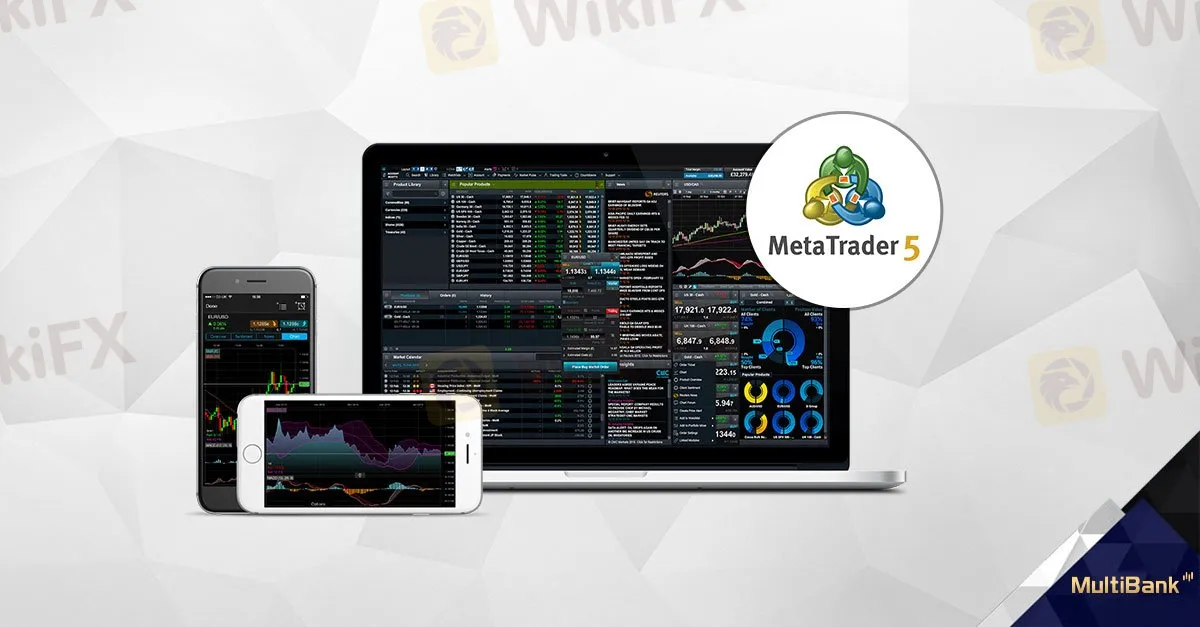 news_20171115_01.jpg" title="news_20171115_01.jpg" />
Through its official website, the currencies, indices, stocks and commodities broker LBLV offers its clients a better way to trade the financial markets through robust trading platforms like MT5.
The goal of a day trader is to profit from intraday movements of trends on different financial assets with trading positions being open from a few minutes to a few hours – so timing is everything!
Consequently, being a successful day trader requires a powerful trading platform with advanced trading functions – mathematical, technical, as well as fundamental analysis tools to determine better entry and exit points and achieve more precise timing.
How to Start Trading with MetaTrader 5 (MT5)
Day traders love to use the multi-asset platform MetaTrader 5, as its “the fastest, efficient and cost-effective trading platforms in the world” allowing them to trade in the best trading conditions.
With reliable and secure brokers, like the licensed LBLV broker, you can open a demo account on MT5 following a few simple steps, allowing you to discover the trading platform and its unique features.
Once on the platform, youll see all the key elements of the simple and user-friendly interface to facilitate your daily trading routine.

All commands are accessible from the main menu bar, which includes the following tabs: file, view, insert, charts, option, and help. These functions help you to settle your charts with indicators, other analytical tools, and various platform settings to create your own personalized trading environment.
Below the main menu, you can find different built-in toolbars that will duplicate some of the commands and functions you can find in the main menu. The toolbars are customizable, allowing you to change chart timeframes, chart types (line chart, bar chart, candle chart…) and more.
On the left of the chart, you can also see the Market Watch section, where prices of selected financial assets such as EUR/USD, GBP/USD, gold and crude oil are displayed. This section can also provide other information, such as details and specifications of financial contracts, as well as one-click trading options.
Below your chart(s), youll find a toolbox section where you can follow the evolution of your open trading positions, as well as your pending trading orders, and modify them when needed (stop-loss, take-profit, limit prices, etc.). This multifunctional window can also be used to access other information that can be useful to your trading, such as account history, alerts, news, internal mailbox, expert journals, and much more.
Easy, right?
As you can see, MetaTrader 5 interface is quite simple to use and provides all necessary trading tools and information to start trading the markets. There are different menus, toolbars, as well as service windows within a single highly customizable and convenient user interface that will simplify your trading.
Do you want to place your first order? Its easy! Follow these simple steps.
1) Once youve selected your financial instrument, right click on it in the Market Watch window.
2) Select “New Order”.

3) Then, decide which type of order you want to execute: a pending order or an instant or market order.
Instant order
If you select an instant order, you need to determine:
Then, click on “Sell” or “Buy” depending on your preferred scenario and your order will be processed at the next available price.

Pending order
If you select a pending order, you need to determine:
the type of order you want to place (Buy/Sell limit, Buy/Sell stop, Buy stop/Sell stop limit),
the price at which you want your order to be placed,
the size of your position (volume),
the levels of your stop-loss and take-profit.
Then, click on “Place”.

As soon as your order has been executed, it will appear at the bottom of your interface.
Are You Into Automated Trading Or Copy-Trading?
Not a problem! MetaTrader 5 (MT5) has all the features you need!
LBLV describes MT5 as a “multi-asset platform offering exceptional trading possibilities and technical analysis tools, as well as enabling the use of automated trading systems (trading robots) and copy trading”.
So, this all-in-one platform for trading the currency, stock and futures markets can also be used by day traders who like to automate their trading strategies, or who prefer to duplicate trading strategies from the most successful traders around the world.
Day Trading Using MetaTrader 5 (MT5)
As youve seen, MT5 is a great trading platform for day traders who want to take their trading to the next level. Before you start using it, be sure to fully understand how it works and how you can customize your MT5 trading environment to improve your trading process.
A few things to consider:
Only trade with money you can afford to lose – as trading is a very risky – but rewarding, activity – you want to be sure that youre only trading with money you do not need to live.
Constantly work on your financial & economical knowledge – as understanding how financial markets and trading work is essential in your success.
Apply a consistent trading strategy & respect money management rules – as you can‘t make money if you don’t implement a trading routine, follow your trading method and respect your money management parameters.